Laptop BIOS recovery
Repair failed firmware updates and startup lockups on notebooks.
New service
If your PC will not boot, the firmware update failed, or the system shows startup corruption, this service helps restore the machine and get it working again with professional BIOS/UEFI recovery techniques.
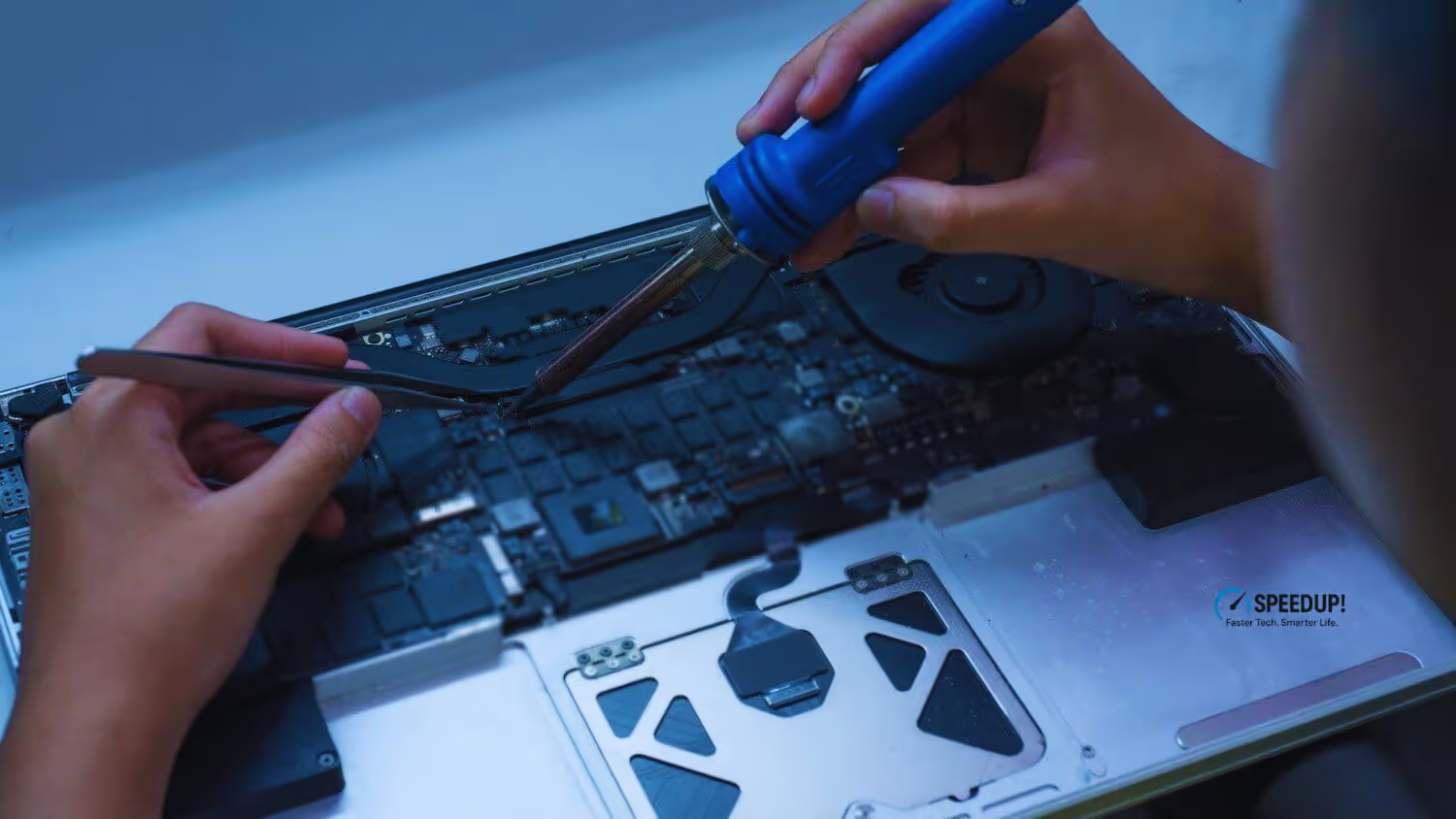
A bad BIOS/UEFI flash, failed firmware update, or startup corruption can leave a laptop or desktop unusable. This recovery service focuses on restoring the system so your data, hardware, and normal boot process can work again.
What we fix
This service is made for laptop and desktop users who need fast help with firmware failure, boot loops, black screens after updates, or systems that no longer power on normally. We restore the firmware layer so the machine can start again and return to normal use.
Repair failed firmware updates and startup lockups on notebooks.
Restore corrupted firmware on towers and custom builds.
Fix systems stuck in boot loops or showing recovery errors.
Use stable recovery steps to bring the machine back to life.
Booking
Book the same way you book any other repair: phone us directly or use the Google Maps booking link. We can help you decide whether recovery is the right option before work starts.
SEO-focused page goal
This page targets BIOS reflash, UEFI recovery, laptop BIOS repair, and desktop BIOS repair searches for Toronto & North York ads and local SEO visibility.

How it works
We focus on the real cause of the startup problem, not guesswork. That means diagnosing the motherboard, firmware behavior, and boot symptoms before any flashing or recovery step is taken.
We inspect the motherboard, power behaviour, and boot failure pattern first.
We prepare a safe firmware recovery path and validate the system before flashing.
We restore the BIOS/UEFI to a stable working version and test startup, display, and boot speed.
You get a clear report and booking options for the same day or next available slot.
Book the same way as all our other services. Contact us for a fast assessment, clear advice, and a recovery plan that fits your laptop or desktop.
Back to home or explore our other repair services.